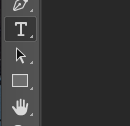
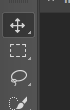
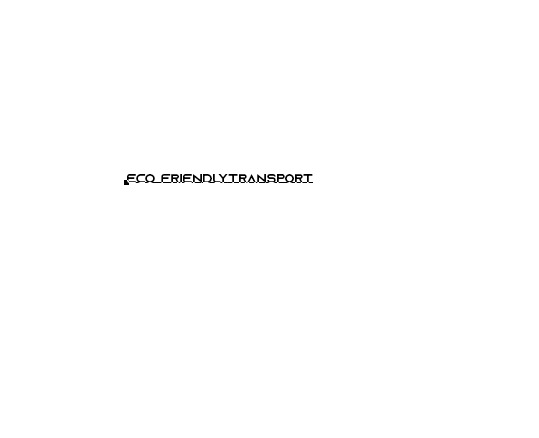
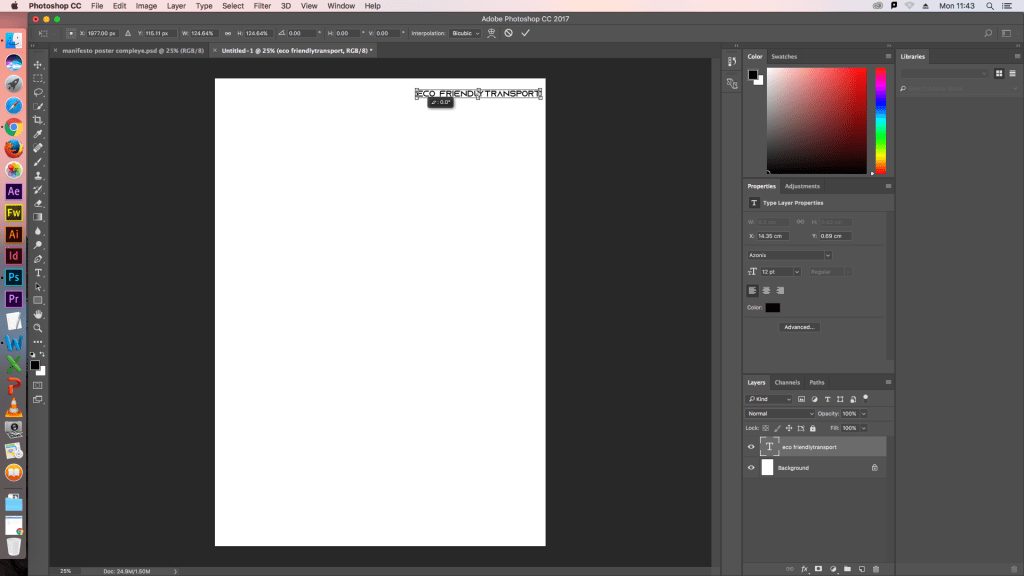
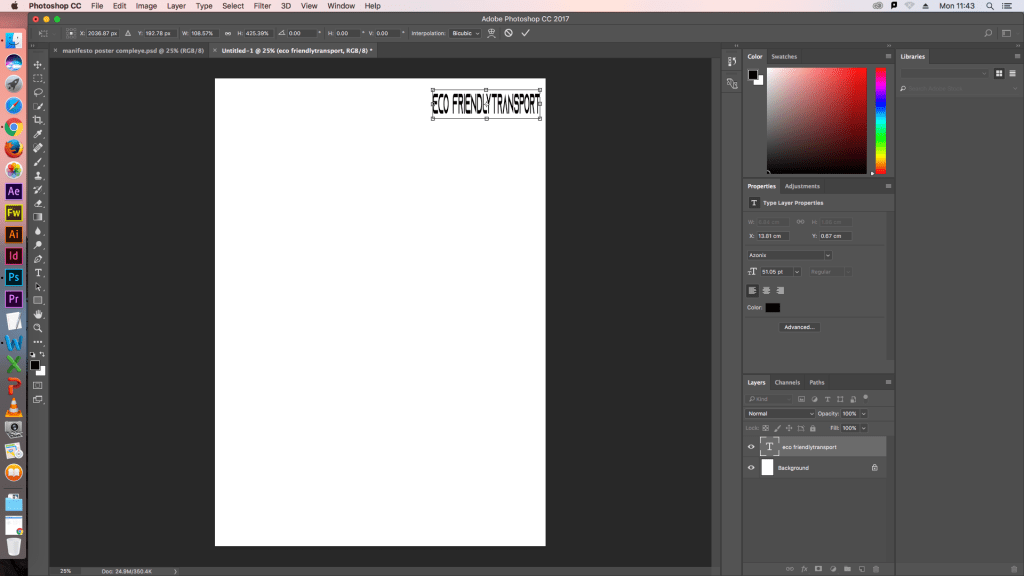
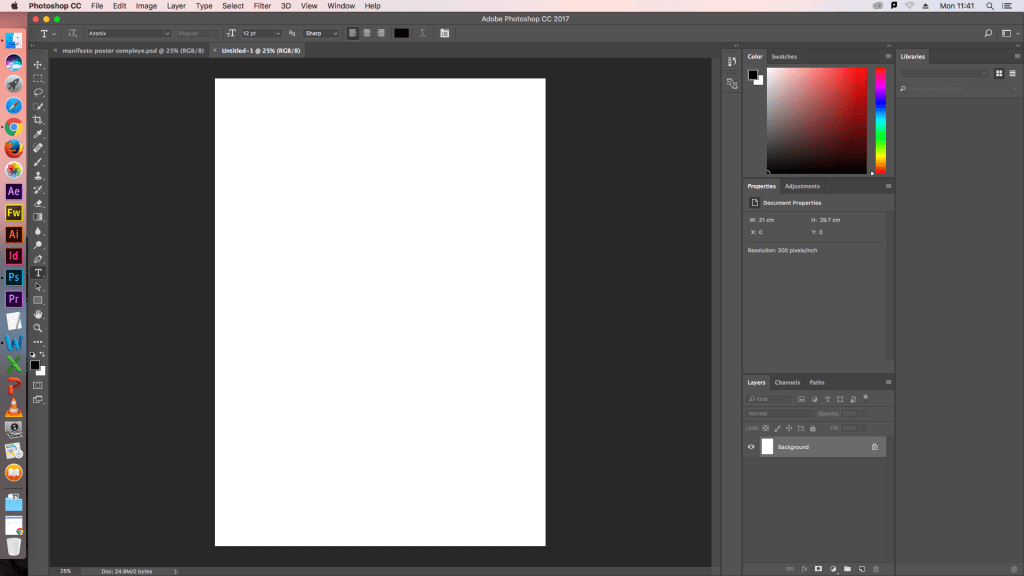
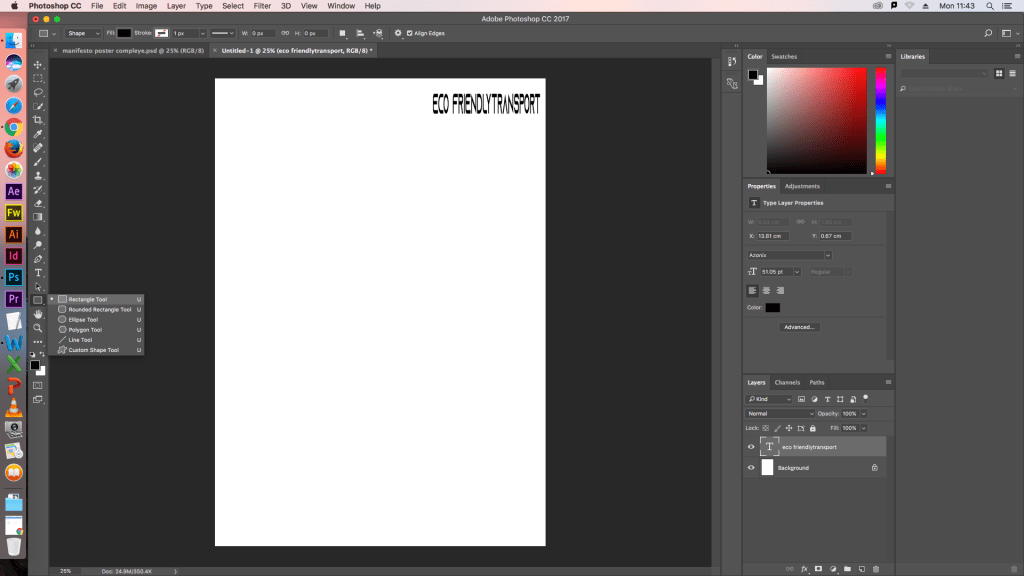
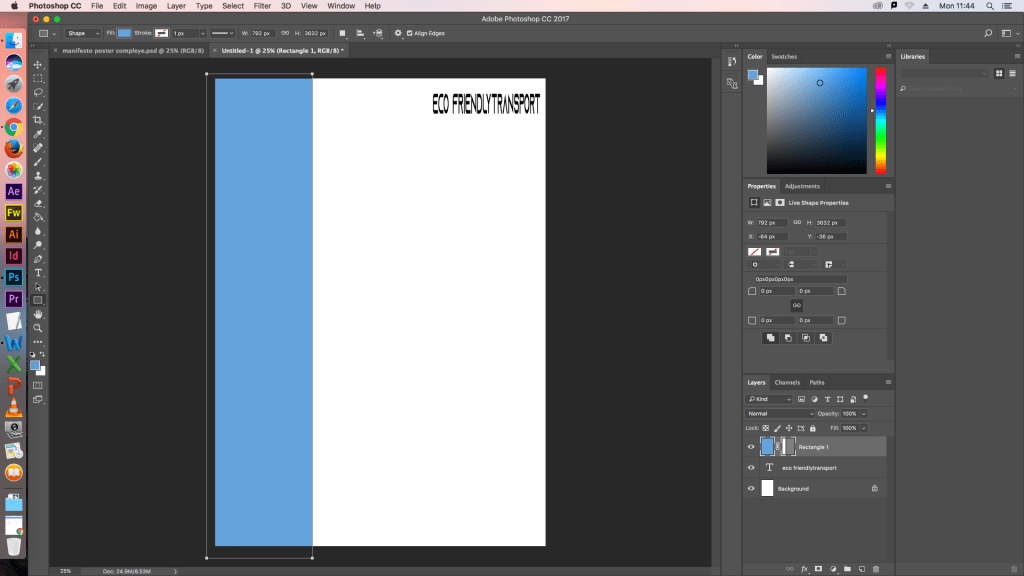
As I had established my manifesto, I wanted to create a posted based off electric powered transport. I made this poster on Adobe Photoshop. I started by getting a font from a Website called www.dafont.com , which a free site that can be installed to give you more create and interesting fonts for documents. After I installed, It I opened photoshop and created a new document. Using the text tool, I typed out “Electric powered transport” in the font I had downloaded. I then used the moving tool to make the word the size that I wanted it to be. I repeated this process for all the words I wanted to display and hide all the text layers. I did this so that it’d be easier to create my background. Selecting the rectangle tool, I used the mound to create the shape the right size for the page. I then copied and pasted the same rectangle twice more and used the move tool to resize and arrange them around the page. To give the shapes colour, I selected the paint bucket tool and chose blue. When I had the shade of blue, I wanted I clicked one on the rectangles. I did this twice more changing the shade of blue each time to finish the poster I rearranged the words around the page.
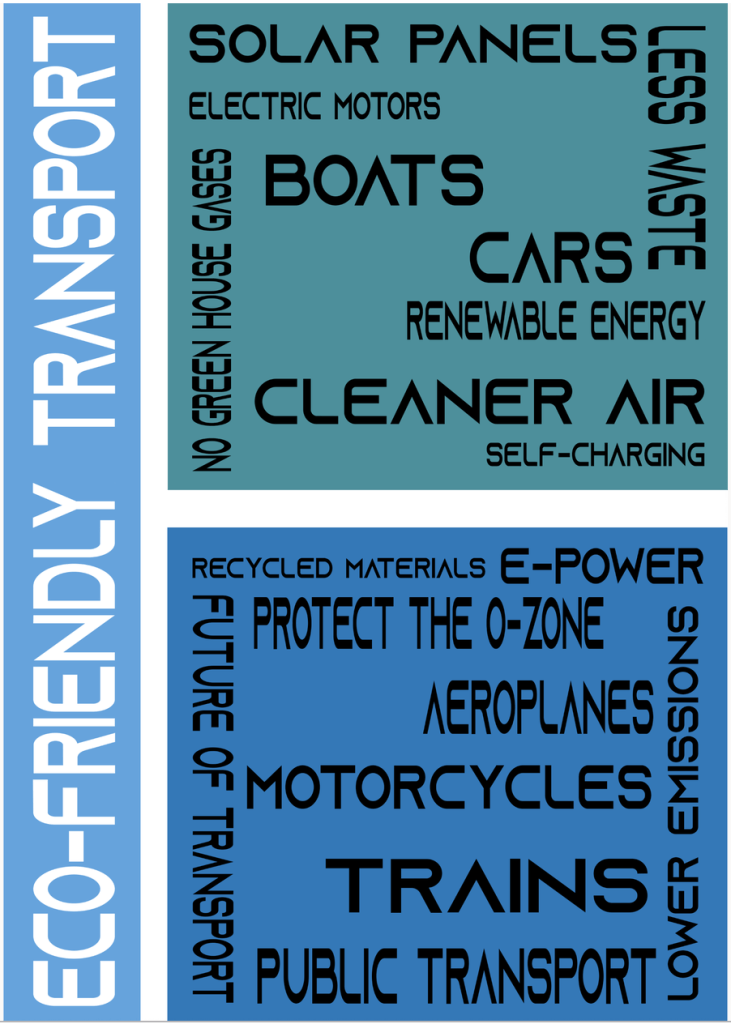
As I had created this poster, I needed to create a mood board. The reason I needed to create a poster is because I need a visual aid in order to help me design initial sketch ideas. I had already collected the images I wanted to use and printed them off. An error had come up on the printed, which means that I wouldn’t able to print anything off today.
Instead I started my project proposal where I decided that I will be designing an electric vehicle.
 Manifesto Project